
Highlands VINELink Release Coverage
Florida Statewide VINE is the state’s custody-status and notification service. The main routes are VINELink and 1-877-VINE-4-FL. The service receives data from participating criminal-justice agencies. Coverage, labels, images, and update timing can vary with the agency that sends the record.
The service can be relevant to a person held by the Highlands County Jail and to a person in Florida prison custody. Those populations remain separate. HCSO operates county booking and holds the county jail’s actual release entry. FDC calculates and records a state prisoner’s release. VINELink relays status and notification data rather than replacing either custodian.
The VINELink entry portal shows the starting point for choosing Florida.
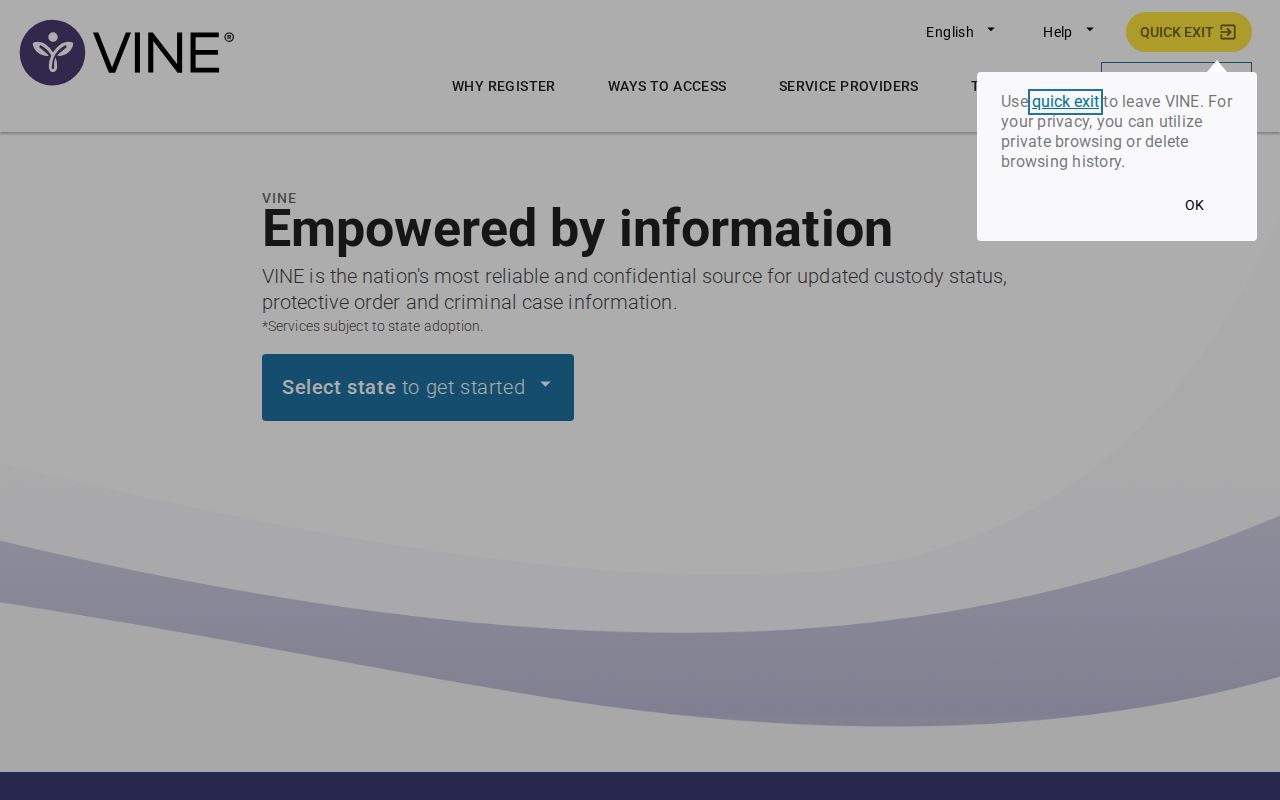
The portal supports a person-specific check, not a general Highlands County list of everyone released during a time window.
Search Highlands People on VINELink
Gather the exact name and an identifying number before starting when possible. A name-only search may return several people. Compare the source agency, age or birth information shown, identification number, and custody location before opening or saving a result.
- Open VINELink and select Florida.
- Choose the people or custody search offered in the Florida interface.
- Enter the exact first and last name or the identifying number available for that record.
- Review possible matches and reject any result tied to the wrong agency or identifiers.
- Open the matching record and read custody status, location, event date, and notification choices together.
- Save the status and date for reference, then verify a reported release through HCSO for county custody or FDC for prison custody.
The Florida-specific people and custody search shows the state search route.
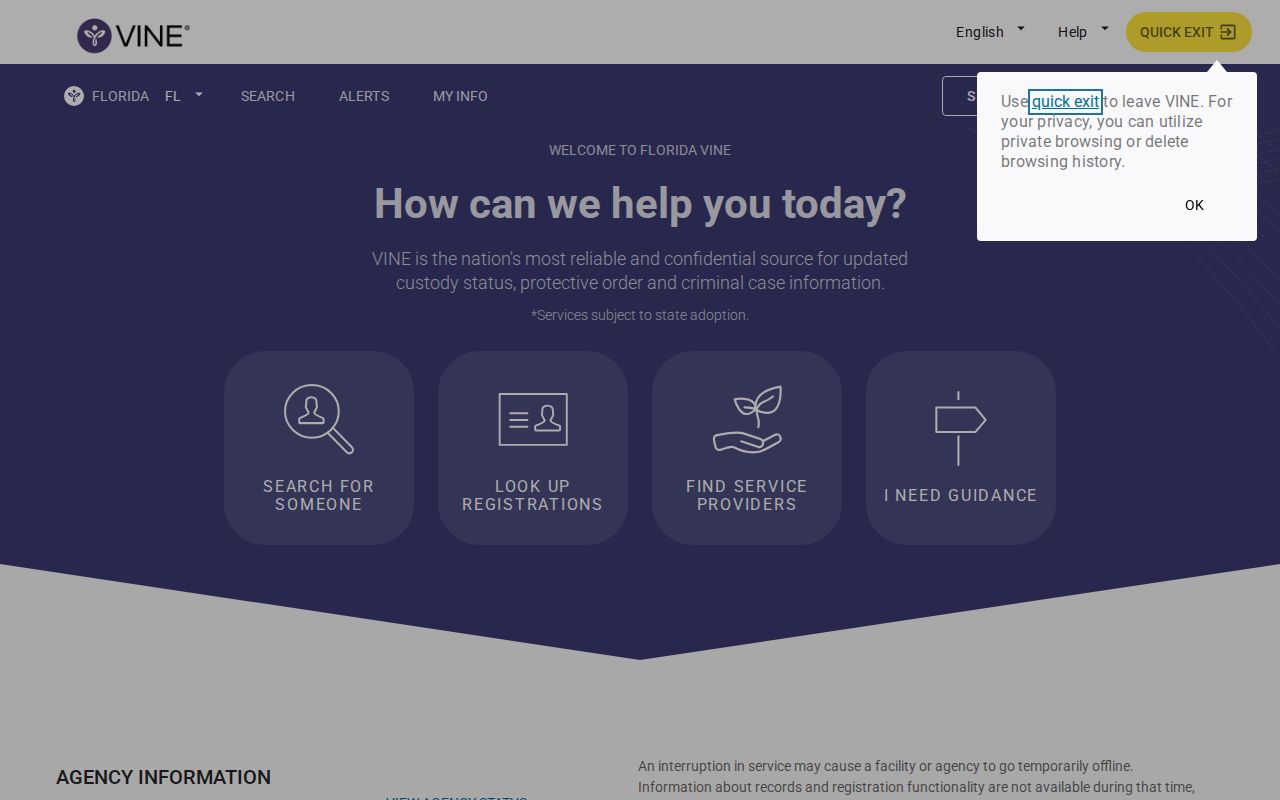
The Florida screen helps narrow the source, but the originating agency still controls the official record behind the result.
If several matches remain, do not guess. Try a known identifying number, check a court case or HCSO booking identifier, or contact the source agency. One person can also have county, state, federal, or immigration matters at the same time.
Highlands VINELink Release Fields
VINELink fields depend on what a participating source sends. The interface should be read as a status report, not as a certified release document. Labels may vary, but several fields are central to a careful check.
| VINELink item | How to read it |
|---|---|
| Name and identifier | Use them to confirm the result belongs to the intended person. |
| Source agency | Shows whether HCSO, FDC, or another participating source supplied the status. |
| Custody status | Incarcerated language indicates custody; released or out-of-custody language reports an exit from that source. |
| Facility or location | Helps distinguish current placement from release or transfer. |
| Event or status date | Places the reported change in time, subject to source updates. |
| Notification options | Shows the phone, text, or email channels offered for that record. |
A release label does not by itself state every legal detail. It may not show the exact HCSO release time, release authority, bond processing, court disposition, or later supervision. Ask the proper custodian for those fields. A result showing a new institution or transfer is continued custody, not community release.
Read Highlands Custody Status Carefully
Read “custody status” in its ordinary, limited sense. If the record says incarcerated and lists a current location, the source reports custody. If it says released or out of custody, the source reports that its custody ended. A result that names another facility may reflect movement within a system. Never replace the displayed event with a broader conclusion.
A no-result screen is not release confirmation. The name may be misspelled, the record may not participate, the update may be pending, or the person may belong to a different system. Search the HCSO current roster for county custody, the FDC offender search for state prison or community supervision, and the relevant federal locator when the case is federal.
Note: A transfer alert means custody changed location or agency; it does not mean the person returned to the community.
For a released county detainee, ask HCSO Central Records for actual release date, time, type, and authority. For a state prisoner, review FDC’s released-population information and community-supervision search. Release from prison and the end of all correctional supervision are not the same event.
Register Highlands Release Notifications
Notification registration attaches to a person and participating source. Register only after verifying the result. If the wrong agency or person is selected, later alerts may be irrelevant or misleading. The channels offered can include telephone, text, or email, depending on the interface and source.
- Open the verified person’s VINELink result.
- Choose the notification or “Get Notified” control.
- Select the available telephone, text, or email method.
- Enter the contact destination and complete the required verification.
- Create or enter the PIN used for telephone acknowledgment when prompted.
- Accept the service terms and finish any account, email, or text confirmation.
- Check the confirmation message or account to ensure the subscription appears.
Keep the telephone PIN private. Automated calls may repeat until the correct PIN acknowledges the message. Update the subscription when a telephone number or email address changes. A stale contact route can prevent timely notice even when the source sent an event.
Notifications can include release, transfer, escape, death, or another custody change, depending on the source. Listen to or read the whole alert. The event type controls the next step. A transfer should lead to the receiving agency, while a release should be confirmed with the agency whose custody ended.
Registration is not a search substitute. Return to the saved person and source after confirmation so a later message can be matched to the same record. If the person has both a county booking and an FDC record, one subscription may not describe every agency transition. Keep each confirmation separate and do not infer that one agency’s release alert closed every other case or hold.
The PIN tells the automated telephone service that the intended recipient received the call, which can stop repeated calls. It does not verify the release with the jail or prison. After acknowledgment, record the alert wording and contact the agency named in it.
Confirm Highlands VINELink Alerts Locally
Highlands County has a useful two-step pattern. VINELink can display or deliver the custody change, and HCSO Central Records can confirm actual county release time and type. That pairing matters because HCSO publishes no recent-release archive. A missing name on its current roster cannot fill the gap.
For a county booking, follow the HCSO Central Records request route or contact the office at 400 S. Eucalyptus Street, Sebring, FL 33870. The records telephone is 863-402-7232, fax is 863-402-7207, and email is centralrecords@highlandssheriff.org. Public counter hours are Monday through Friday, 8:00 a.m. to 5:00 p.m. Identify the booking with a name, MNI, booking number, approximate date, or case number and request the existing release entry.
For Avon Park Correctional Institution or another state prison, use FDC. Search by DC number where possible, read status and location together, and review released and supervision data separately. HCSO cannot certify an FDC discharge, while FDC ordinarily cannot provide HCSO’s county-jail exit minute. The correct office follows the custody whose end is being verified.
Highlands VINELink Release Limits
VINELink does not replace emergency services, explain every court disposition, or guarantee personal safety. It also does not serve as the locator for federal BOP prisoners. Use the BOP Inmate Locator for a federal sentence. A past BOP release date means BOP reports that its custody ended, not that no state, county, immigration, or supervised-release matter exists.
ICE uses a separate Online Detainee Locator. A county release followed by an ICE handoff is a transfer between authorities. Likewise, USMS may hold federal pretrial prisoners in local or contracted space. Disappearance from a county screen can follow transport without any community release.
Data may lag because VINELink depends on participating source feeds. Automated notice is valuable for future changes, but it is not the durable record. Preserve the alert’s text, date, agency, and person identifiers, then confirm through HCSO, FDC, or the agency named in the result. Use the broader Highlands County release verification sequence when VINELink is inconclusive.
A VINELink alert is a prompt to verify, not a substitute for the originating jail, prison, or court record.
Use Highlands Alerts Prospectively
VINELink is most useful before a known event. Register on the verified record, keep the contact information current, and retain the confirmation. If a change arrives, note whether it says release, transfer, escape, death, or another status. Those labels direct the next inquiry.
After a county release alert, HCSO can supply the physical exit record and the Highlands Clerk docket may explain the order or case event. After a state prison release alert, FDC’s released record may show release date and type, while its community-supervision view can show whether supervision remains. The FCOR route applies to decisions within its programs, but an alert alone does not explain a Commission outcome.
Florida also maintains separate FDC search views. An inmate-population record covers prison information, a released-population result may show actual release data, and the supervised-population search addresses community supervision. VINELink can prompt those checks but cannot merge them. Read the DC number, status, release date, release type, location, and supervision history as parts of one identity review.
A projected prison date differs from a completed release. FDC’s public screen may show a Current Release Date for someone still incarcerated, while Florida law calls the gain-time projection a tentative release date. Neither label says custody has ended. Wait for an actual release status or alert, then confirm the accomplished event through FDC.
Florida’s notification material describes a four-digit PIN for telephone alerts. Keep it private and available to the registered recipient. Entering the PIN acknowledges an automated call and can stop repeat calls, but it does not verify the event with HCSO or FDC. Record the exact alert wording before contacting the named source agency.
If a confirmation message does not arrive, check the saved contact destination. VINELink cannot deliver notice to an outdated or mistyped route. Review each message for the correct person, agency, and event type.
The sequence keeps the VINELink release check focused on one identified person. It avoids treating the notification system as a countywide feed, a court docket, or a federal search. Most important, it preserves the distinction between a reported custody change and the official record that explains what actually happened.